

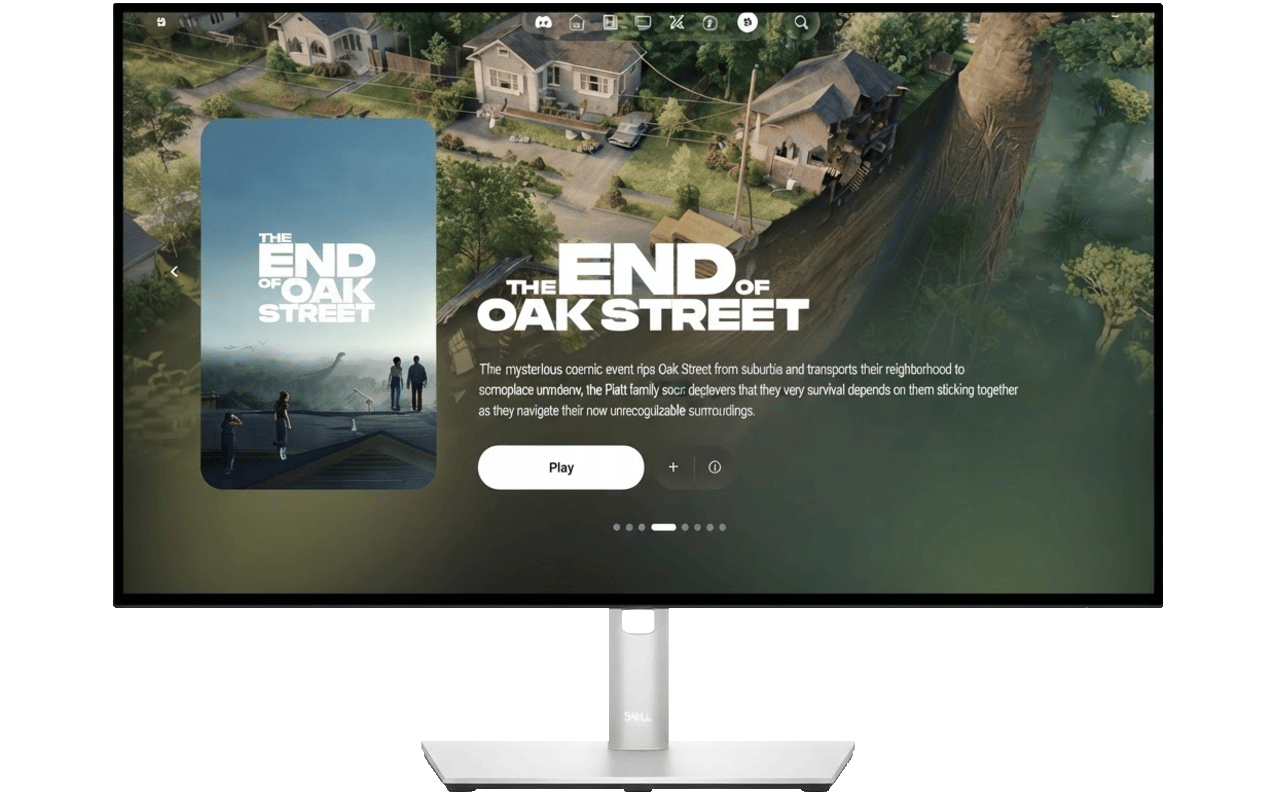
Vyla Home
Vyla Home is the desktop application in the Vyla ecosystem. It prepares and runs the local services that power your media experience, then opens the interface in a secure embedded window. It is designed for people who want Vyla without managing a separate server process, reverse proxy, or service lifecycle by hand.Downloads
Vyla Home is available for Windows, macOS, and Linux. Get the latest version below:
Inside the releases page, you can find the latest version of Vyla Home for each platform, find the
.exe for windows, and .dmg for macOS.